Snapjotz Com Purpose, Operator, And Current Status
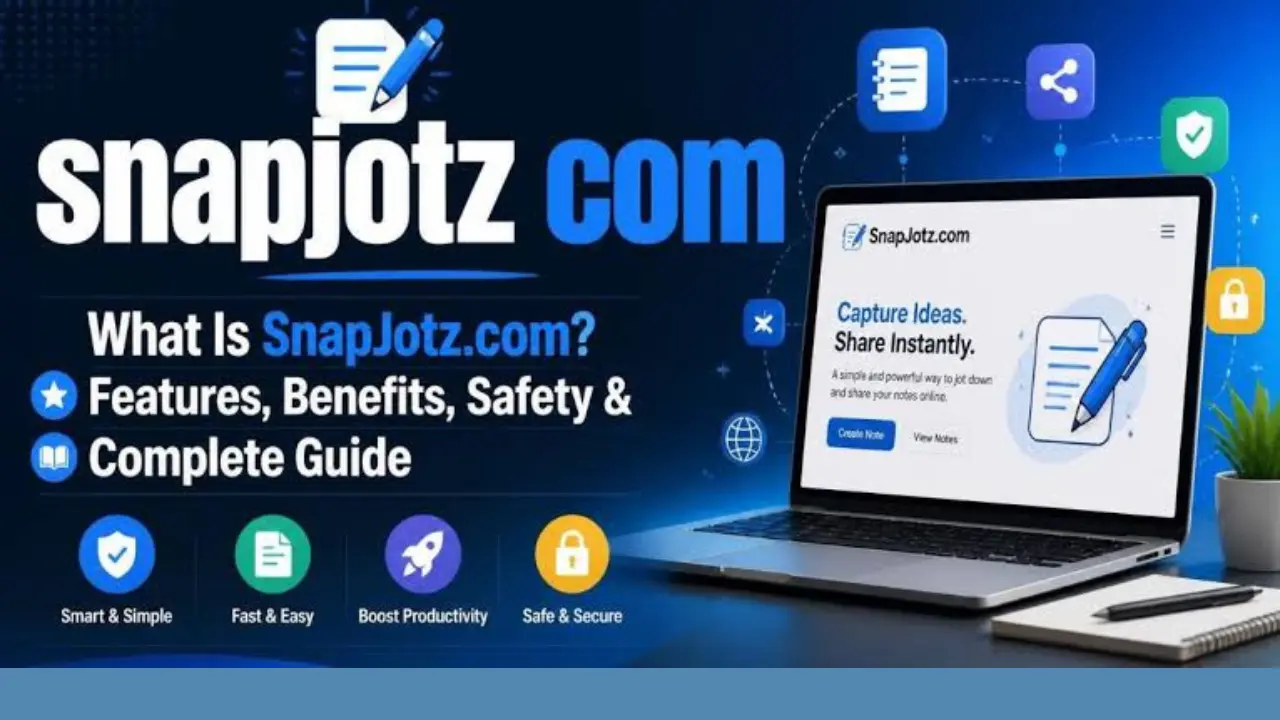
Snapjotz com appears to be a website name, but its purpose, operator, and current status should not be assumed without checking the site itself. A domain name alone does not confirm whether a service is active, legitimate, private, or suitable for sharing information. Before signing up, downloading anything, or entering personal details, review what the site says it offers and look for clear information about who runs it.
This is especially useful for lesser-known websites, where search results, social-media mentions, or a familiar-sounding name can create more confidence than the available evidence supports. The practical question is not simply whether a domain exists, but what it asks users to do and whether those requests match a transparent, credible service.
What can be confirmed from a domain name?
Very little. “.com” is a widely used top-level domain, and “Snapjotz” may suggest quick notes, snapshots, posts, or saved ideas. That wording is only an impression, not proof of the site’s function. A domain can point to an active application, a parked page, a redirect, an expired property, or a page that changes over time.
Do not rely on the name alone to decide whether Snapjotz com is a note-taking tool, social platform, image service, blog, or another type of website. Confirm its purpose from its homepage, help pages, terms, and privacy notice.
How to identify what Snapjotz com actually does
Start with the content visible before you create an account. A legitimate service should make its core purpose understandable without requiring unnecessary personal information.
- Read the homepage carefully. Look for a plain explanation of the service, its intended users, and how it works.
- Check the main navigation and footer. Useful links often include About, Contact, Help, Privacy, Terms, and account-management pages.
- Review the sign-up screen. Note which details are required and whether the requested information is reasonable for the stated service.
- Look for the organization or individual behind the site. A real name, support route, business details where applicable, and a way to reach the operator improve transparency.
- Check whether the content matches the promise. A site described as a simple tool should not suddenly push unrelated downloads, prize offers, or urgent payment requests.
A sparse landing page is not automatic evidence of wrongdoing. Small projects may have limited documentation. Still, a lack of basic explanations should affect how much information and trust you give the service.
Check privacy practices before sharing notes, images, or messages
If Snapjotz com lets users save material, post content, upload files, or communicate with others, privacy terms matter. Notes and images can contain names, contact details, location clues, work information, or other sensitive material even when they seem casual.
Read the privacy policy before uploading anything private. The policy should explain, in understandable terms, what information is collected, why it is collected, how long it is kept, whether it is shared with other parties, and how users can request account or data deletion. It should also make clear whether uploaded material may be public by default.
Questions worth asking
- Are posts, notes, or uploads private, public, or visible to selected users?
- Can search engines index public profile pages or shared content?
- Does the service claim rights to reuse uploaded material beyond operating the service?
- Is there a clear method to download or delete your data?
- Does the service use third-party analytics, advertising, storage, or login providers?
- Can you contact someone with privacy questions?
Terms and privacy notices can be lengthy, but headings such as “Information We Collect,” “Sharing,” “Your Choices,” “Data Retention,” and “User Content” often reveal the most relevant details. If no policy is available despite the site collecting user information, avoid providing more than is necessary.
Basic security checks for Snapjotz com
A padlock icon and an address beginning with HTTPS are useful because they encrypt data in transit between your browser and the website. They do not prove that the operator is trustworthy, that the content is accurate, or that data will be handled responsibly after it reaches the service.
Chaturbate Ebony Community, Features, and Growth Trends
Use a combination of signals rather than treating one technical indicator as a complete safety check.
| Check | Why it matters | What to look for |
|---|---|---|
| Secure connection | Helps protect information while it travels to the site | HTTPS and no browser security warning |
| Clear identity | Provides accountability and a support path | About page, contact method, and consistent operator details |
| Account protection | Reduces the impact of a stolen password | Strong password support and, where offered, multi-factor authentication |
| Permission requests | Limits unnecessary access to your device or data | Requests that fit the service’s stated function |
| Download behavior | Unexpected files can create security risk | No unexplained installers, extensions, or alerts |
Keep your browser and device software updated, and avoid installing browser extensions or applications promoted through pop-ups. A website that requires a download should clearly identify the publisher, explain why it is needed, and provide installation information through an official channel.
Sniffies Meaning Context, Usage, And Definition
Use a unique password and limit account exposure
If you decide to create an account, use a long, unique password that is not reused on email, banking, work, or social-media accounts. A password manager can create and store unique passwords, reducing the damage if one website suffers a breach.
Start with the minimum profile information needed to use the service. Skip optional fields that reveal your full date of birth, phone number, address, workplace, or contacts unless there is a clear reason to provide them. Do not upload identification documents, financial details, confidential work files, or sensitive personal images to an unfamiliar platform.
Where a site supports multi-factor authentication, enable it. Also check account settings for active sessions, connected apps, public-profile visibility, and notification preferences. These settings may be more important than the initial sign-up form.
Warning signs that should make you pause
No single issue proves that a website is unsafe. Several warning signs together, however, are a good reason to stop and verify the service independently.
- Pressure to act immediately, especially around payments, prizes, or account suspension.
- Requests for passwords, verification codes, government ID, or payment details that do not fit the stated purpose.
- Broken pages, copied-looking text, inconsistent names, or contact details that do not match across the site.
- Pop-ups claiming your device is infected or demanding that you call a number.
- Unexpected redirects to unrelated websites.
- Mandatory downloads, notification permissions, or browser extensions with little explanation.
- No workable support contact, privacy notice, or terms despite account or data collection.
- Login pages reached through unsolicited emails or messages rather than an address you entered yourself.
Be cautious with reviews as well. A few positive comments do not establish a site’s reliability, and a few negative comments may be incomplete or unrelated. Look for specific, consistent information from sources that are not obviously controlled by the site operator.
What to do if you already entered information
Act promptly if you shared a password with Snapjotz com and that password is used anywhere else. Change it first on the more important accounts where it was reused, beginning with your email account. Then create a different password for the website, if you keep the account.
If you entered card or bank information and see activity you do not recognize, contact the relevant financial institution through a number or app you already trust. Do not use a phone number provided by a suspicious pop-up or email. If you downloaded a file or extension and now notice unusual behavior, remove it if possible, run a security scan using trusted software, and seek qualified technical help if the issue continues.
Save relevant emails, screenshots, dates, and transaction details. These records can help when reporting a suspected scam, disputing an unauthorized charge, or explaining the issue to technical support.
How to verify a website without overtrusting search results
Independent checking works best when it focuses on consistency. Search for the site name alongside terms such as “privacy,” “contact,” “review,” or “scam,” but read results critically. Search snippets can be outdated, and pages may make claims without evidence.
Compare the website’s stated organization, email addresses, social profiles, app-store listings if relevant, and public contact information. A mismatch does not always mean fraud, but it deserves an explanation. For a service that handles money, sensitive files, or professional data, use only providers whose identity, policies, and support channels you can verify to a standard appropriate for the risk.
Frequently asked questions
Is Snapjotz com a legitimate website?
A domain name by itself cannot establish legitimacy. Check the site’s stated purpose, operator information, privacy policy, contact options, and account or payment requests before trusting it with personal information.
Is HTTPS enough to show that a site is safe?
No. HTTPS protects the connection to the site, but it does not confirm who operates the site or how they use data. Treat it as one basic security signal, not a guarantee.
Should I make an account if the site has little information?
It is safer to wait until you can understand the service, identify a support route, and review its privacy practices. If you proceed, use a unique password and provide only essential information.
Can I trust a link to the site in an email or direct message?
Do not assume so. Open a new browser tab and type the address yourself or use a trusted bookmark. Messages can link to lookalike addresses designed to capture login details.
What information should I avoid sharing on an unfamiliar platform?
Avoid passwords reused elsewhere, financial details, identity documents, confidential files, precise location information, and sensitive personal images unless the service is clearly verified and the information is genuinely necessary.
Careful Approach
Snapjotz com should be judged by transparent information and safe behavior, not by its name alone. Confirm what the website does, who operates it, what data it collects, and whether its requests make sense. Until those answers are clear, limit what you share, use a unique password, and avoid downloads or payments that you cannot independently verify.