Sniffies Down Causes, Fixes And Live Updates
If you’ve tried accessing Sniffies recently and found yourself staring at a blank screen, loading error, or connection timeout message, you’re not alone. When sniffies down becomes the trending concern, users naturally start wondering what went wrong and how long the outage will last. Whether you use the platform casually or regularly, sudden disruptions can be frustrating.
In this guide, we’ll break down what it means when Sniffies is not working, why outages happen, how to check if the problem is widespread, and what you can do to fix it on your end. By the end, you’ll have a clear understanding of what to do the next time you suspect sniffies down issues.
Sniffies – Meet, Chat & Connect Instantly with Real People Near You
What Does “Sniffies Down” Mean?
When people search for “sniffies down,” they’re usually experiencing one of several common problems. The website may not load at all, it may load partially but not function correctly, or certain features like messaging and map updates may stop working.
In simple terms, the phrase sniffies down refers to a situation where the Sniffies platform is either completely unavailable or experiencing technical issues that prevent normal use. This could be due to server problems, maintenance, regional restrictions, or even issues with your own internet connection.
Before assuming there’s a full outage, it’s important to identify the exact symptoms you’re seeing.
Common Signs Sniffies Is Not Working
When Sniffies experiences downtime, users typically report:
- The site is not loading or showing a server error
- Endless loading screens
- Login failures
- Messages not sending
- Map features are not updating
Sometimes, these issues happen during peak traffic hours when many users are active at the same time. Other times, it could be related to scheduled maintenance or unexpected server overload.
If you notice multiple features malfunctioning at once, there’s a stronger chance that sniffies down is affecting a larger group of users.
Sniffies Meaning Context, Usage, And Definition
Why Is Sniffies Down?
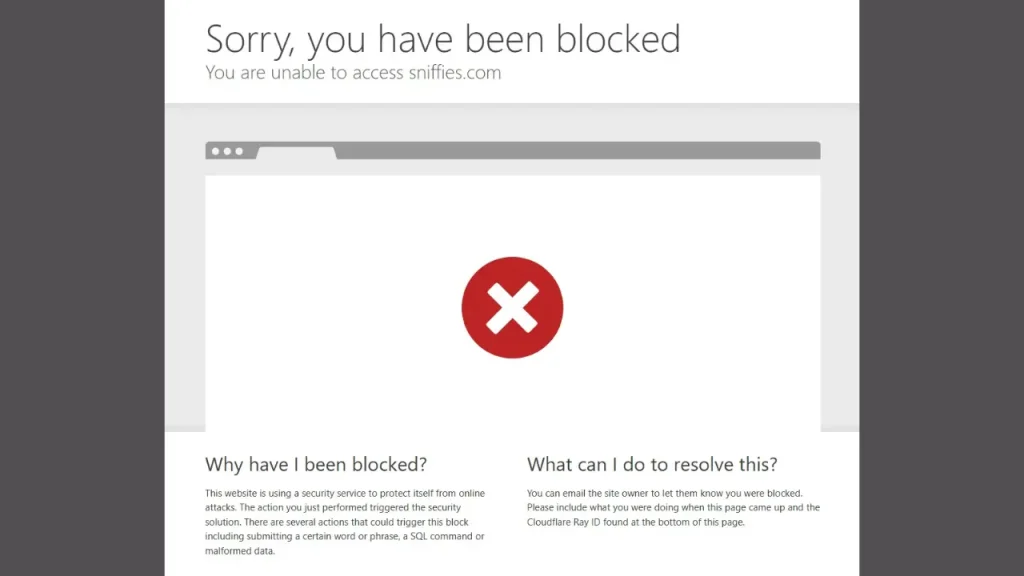
There are several possible reasons behind an outage. Let’s explore the most common ones.
1. Server Overload
High traffic can strain servers, especially during peak evening hours or weekends. If too many users are accessing the platform simultaneously, the system may slow down or temporarily crash.
2. Scheduled Maintenance
Sometimes downtime is intentional. Platforms periodically update their systems to improve security, performance, or add new features. During these maintenance windows, users may think sniffies down unexpectedly, when in fact it’s part of planned upgrades.
3. Technical Glitches
Even well-maintained platforms encounter bugs. Coding errors, database failures, or integration problems can cause temporary disruptions.
4. Internet or Device Issues
Not all problems are platform-wide. Sometimes your own connection is the culprit. Weak Wi-Fi, outdated browsers, or corrupted cache files can make it appear as though Sniffies is down when it’s actually a local issue.
How to Check If Sniffies Is Actually Down
Before panicking, it’s smart to verify whether the issue is widespread.
Start by refreshing the page and checking your internet connection. Try loading other websites to confirm your connection is working. If everything else loads fine but Sniffies does not, the issue may be platform-specific.
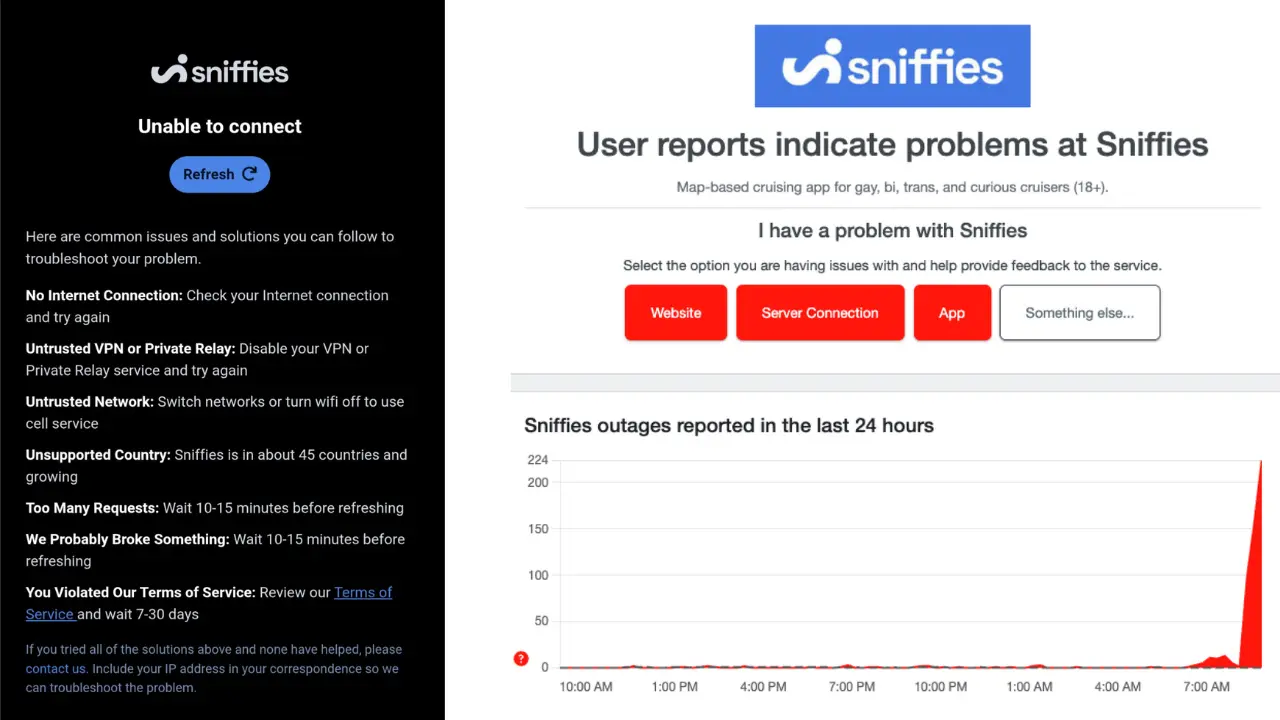
You can also check outage monitoring websites where users report service disruptions in real time. If multiple users are reporting problems, there’s a strong chance Sniffies Down is affecting a broader audience.
Social media platforms are another quick way to confirm. Users often post about outages immediately, making it easy to determine whether you’re alone in the experience.
Quick Fixes You Can Try
If it’s not a confirmed widespread outage, try these troubleshooting steps.
First, clear your browser cache and cookies. Stored data can sometimes interfere with website loading. Restarting your browser or switching to a different one can also resolve temporary glitches.
Next, restart your device. It sounds simple, but rebooting can fix background issues affecting performance.
If you’re using a VPN, try disabling it temporarily. Some VPN connections may interfere with certain platforms, making it look like sniffies down when it’s actually a routing issue.
Finally, check for browser updates. An outdated browser can struggle with newer web features and security protocols.
How Long Do Outages Usually Last?
The duration of downtime varies depending on the cause. Minor server overload issues may resolve within minutes. Scheduled maintenance may last a few hours. More serious technical problems could take longer, but are usually resolved the same day.
If sniffies down is caused by large-scale server issues, the technical team will typically work quickly to restore access. Most modern platforms prioritize uptime and respond to outages promptly.
Can You Prevent Future Issues?
While you can’t prevent platform-wide outages, you can reduce the chances of local problems. Keep your browser updated, maintain a stable internet connection, and clear your cache regularly.
It’s also helpful to bookmark reliable outage-checking tools so you can quickly confirm whether the issue is widespread the next time you suspect sniffies are happening.
When It’s a Regional Issue
Sometimes, access problems are limited to specific countries or regions. Internet service providers may block certain websites, or regional network routing issues may temporarily disrupt access.
If you notice the problem persists while others report normal functionality, it could be region-specific. In such cases, checking with your ISP or testing a different network can help clarify the issue.
Staying Updated During Downtime
During longer outages, patience is key. Continually refreshing the page usually won’t speed up the fix. Instead, monitor trusted outage trackers or community discussions for updates.
If the platform provides official announcements, those will typically explain the cause and estimated resolution time. When sniffies down becomes a widespread concern, transparency from service providers helps users stay informed and reassured.
Final Thought
Experiencing downtime on any platform can be frustrating, especially when you rely on it for real-time interactions. However, most cases of sniffies down are temporary and resolve quickly. Understanding the difference between a platform-wide outage and a local device issue can save you time and stress.